Baseline
Start from current energy
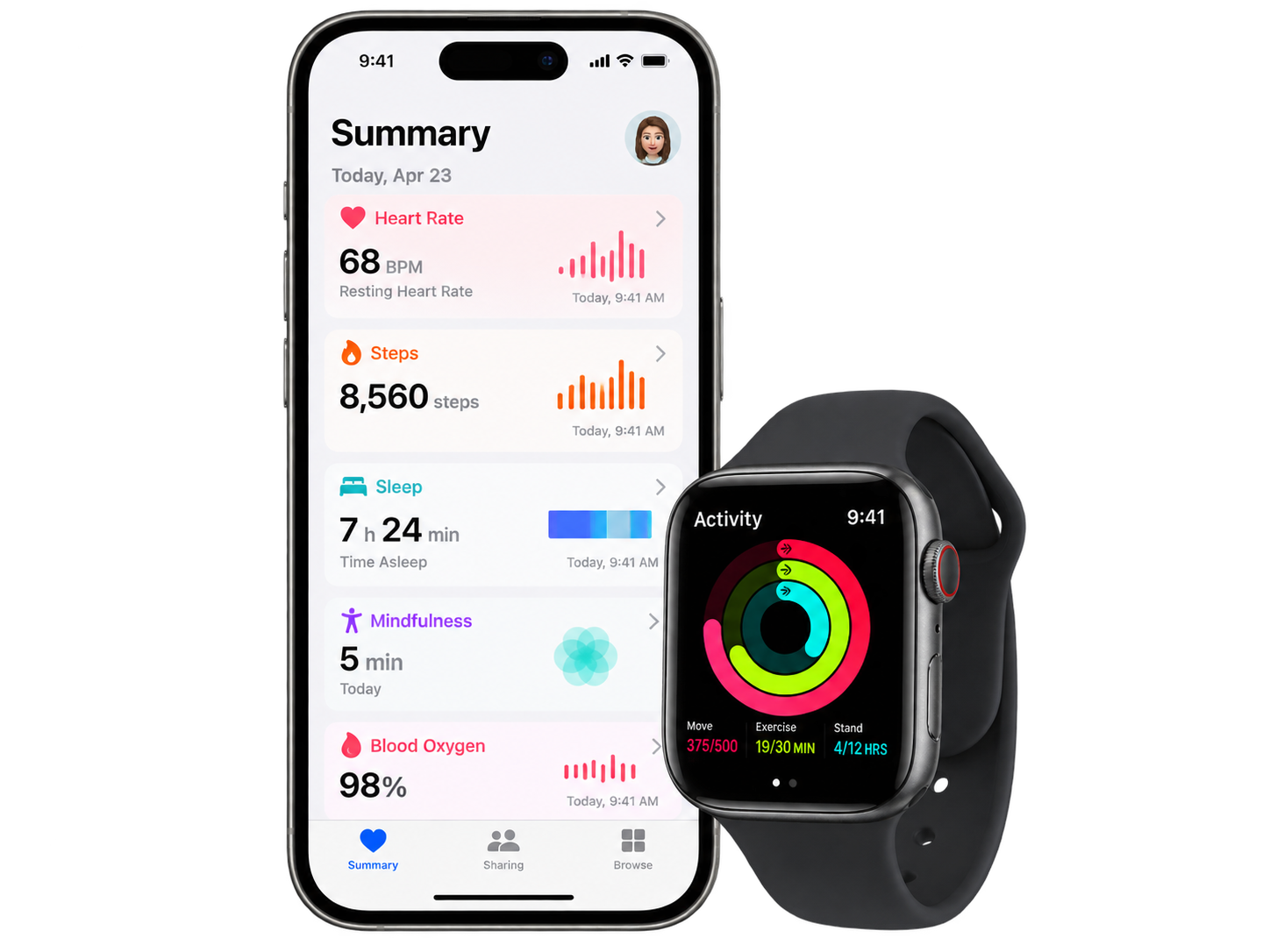
Apple Health–informed mode anchors the plan to Resting Energy + Active Energy instead of asking you to guess whether you are “lightly active.”
Observed-device estimate
Apple Watch–informed · dynamic weight planning
Start with the energy your Apple Watch records in Apple Health, choose your target weight and date, then compare realistic walking, exercise, and food strategies using a published dynamic body-weight model.
Better inputs, more realistic forecast
Open Health → Search → Activity and use a recent typical average for Resting Energy, Active Energy, and Steps. If you do not have those values, use the manual estimate instead.
Apple Health–informed mode anchors the plan to Resting Energy + Active Energy instead of asking you to guess whether you are “lightly active.”
Observed-device estimateThe planner solves a dynamic body-weight model for the food and activity schedule needed to reach your target—without assuming weight falls in a straight line.
Hall model, not 7,700 kcal/kgKeep the same goal and date while comparing more activity, a balanced plan, or less added activity. The exercise ramp is included in the forecast.
Same destination, different routeHealthPro Widgets
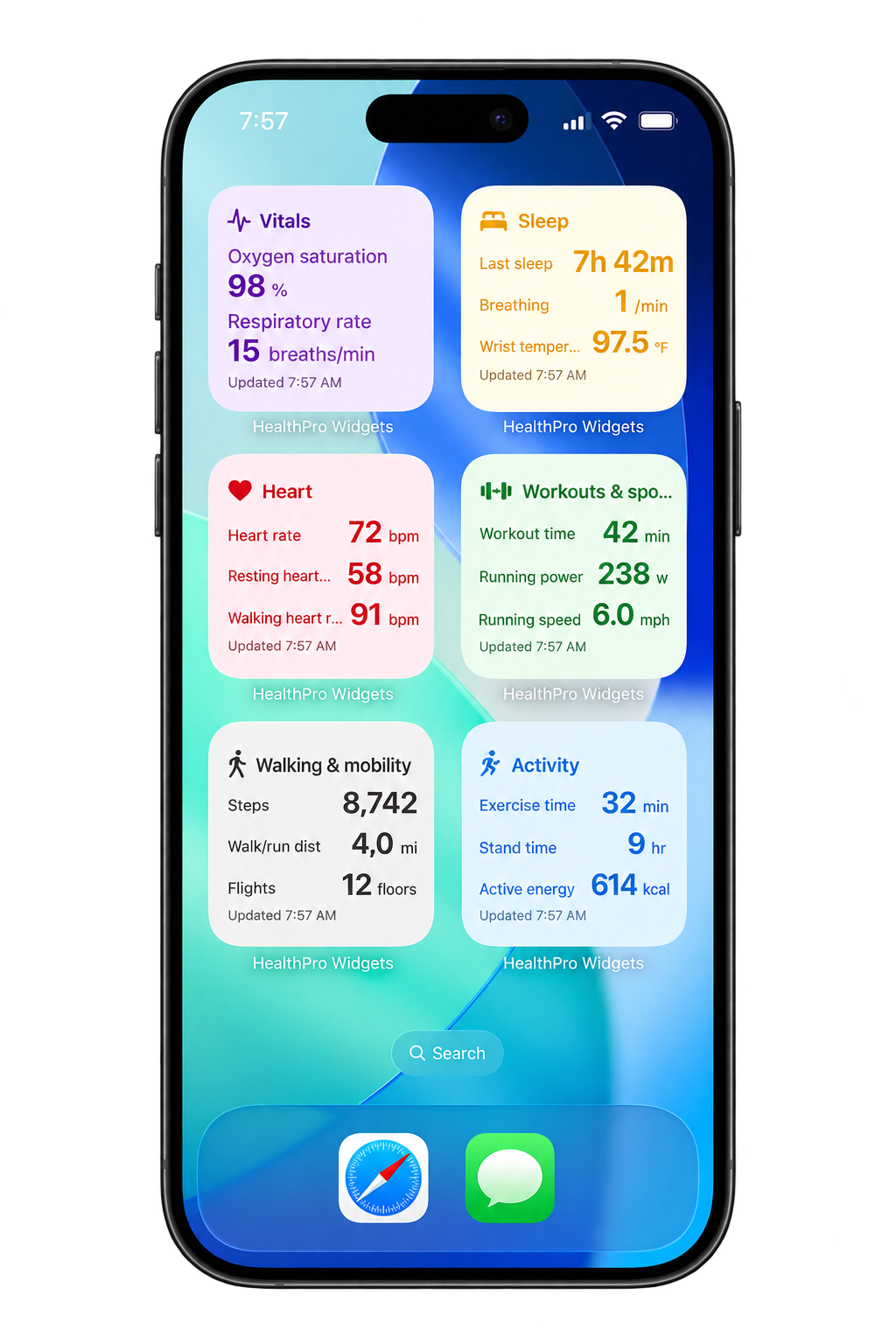
HealthPro Widgets puts the same Apple Health metrics on your iPhone Home Screen for easier ongoing check-ins.
See HealthPro Widgets →